
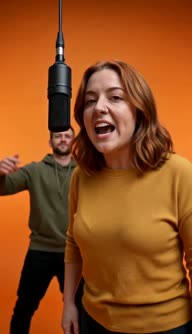
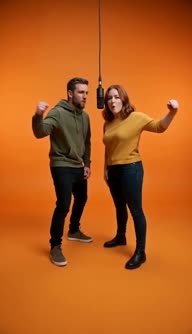
The viral Hotel Lobby trend

Migos AI Video Generator

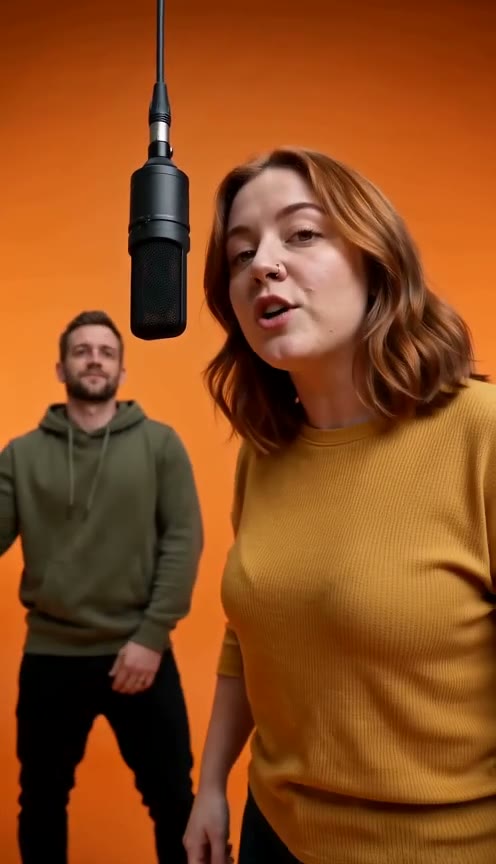
Turn two photos into a rap performance with your favorite person. Our Migos AI video generator puts both of you in the bright orange booth trading bars on a 12-second MP4.

Make Your Own Rap Video with Our Migos AI Video Generator

Why Choose Our Migos AI Video Generator

Turn Two Photos into a Finished 12-Second MP4

Upload your photos and let our Migos AI video generator create your 12-second MP4 in a few minutes directly in your web browser. You get a ready-to-post portrait 9:16 or landscape 16:9 clip with no prompts to write and no apps to install.
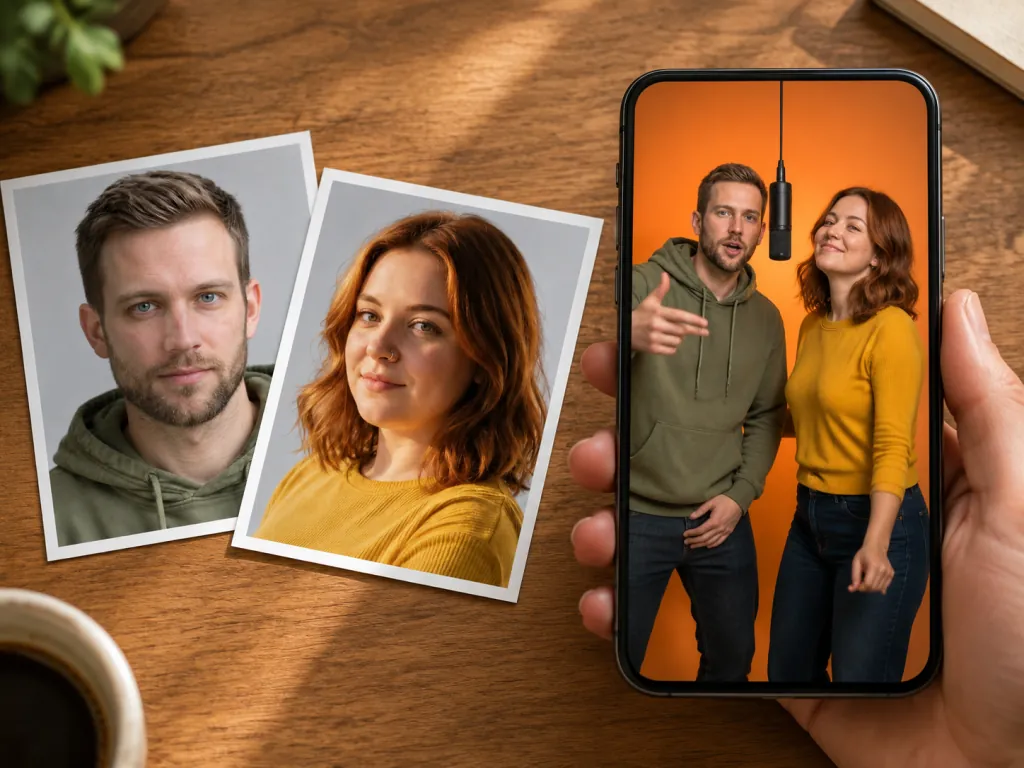
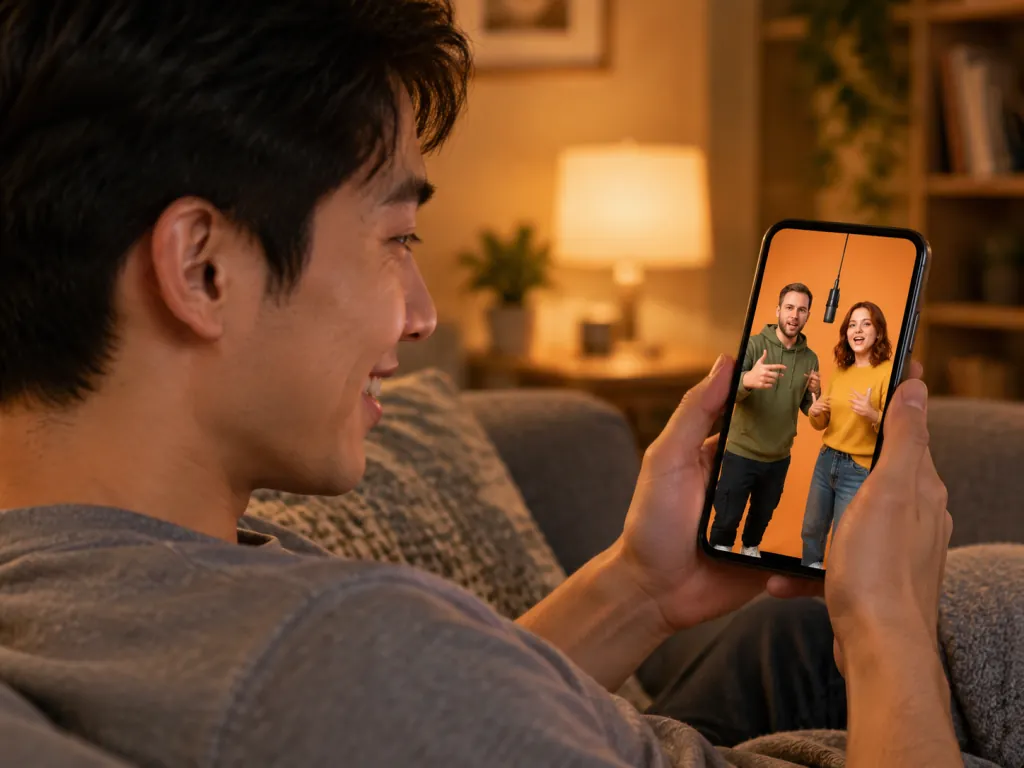
A phone playing a rap duo video of two friends in an orange studio booth, beside the two portrait photos it was made from
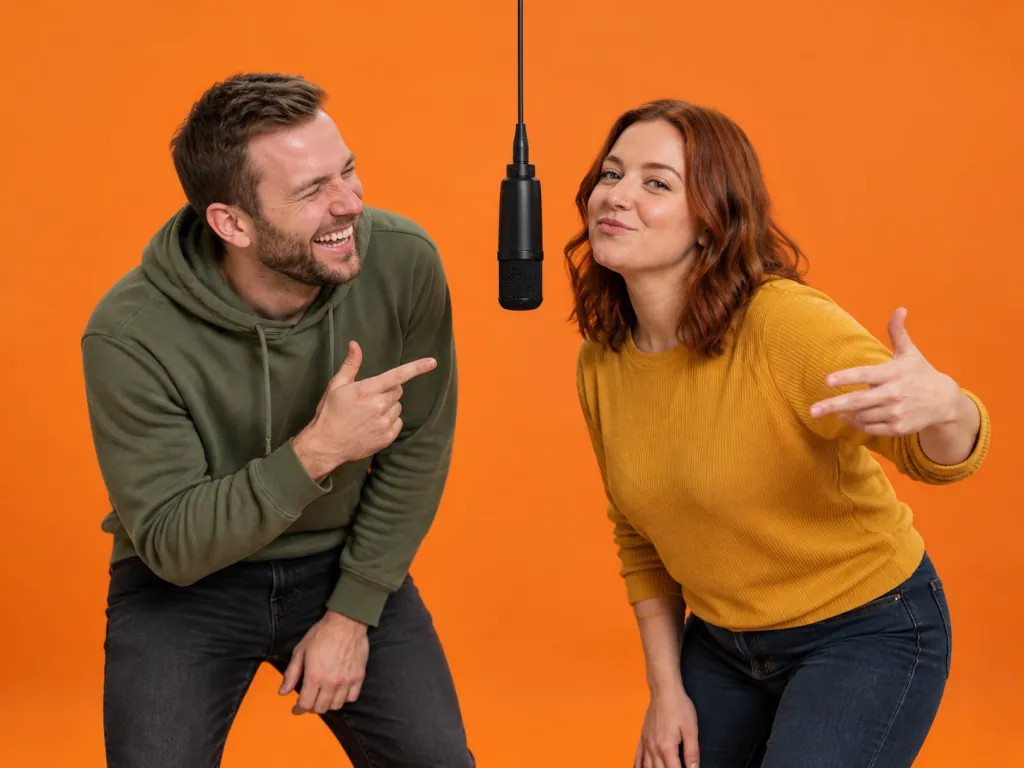
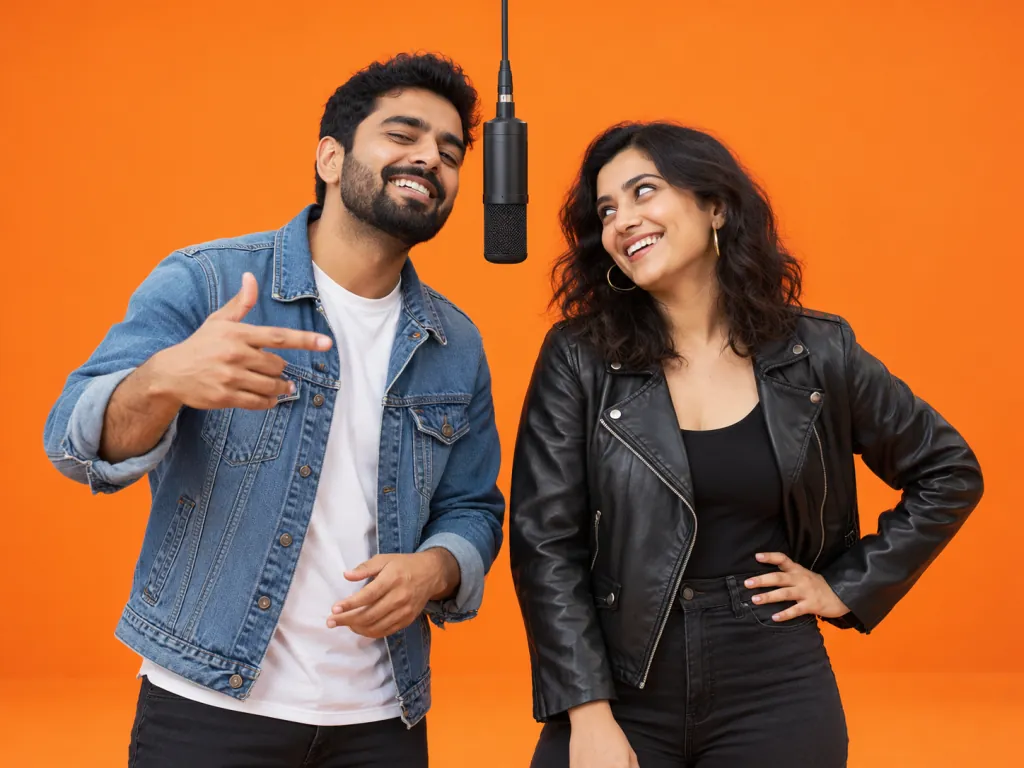
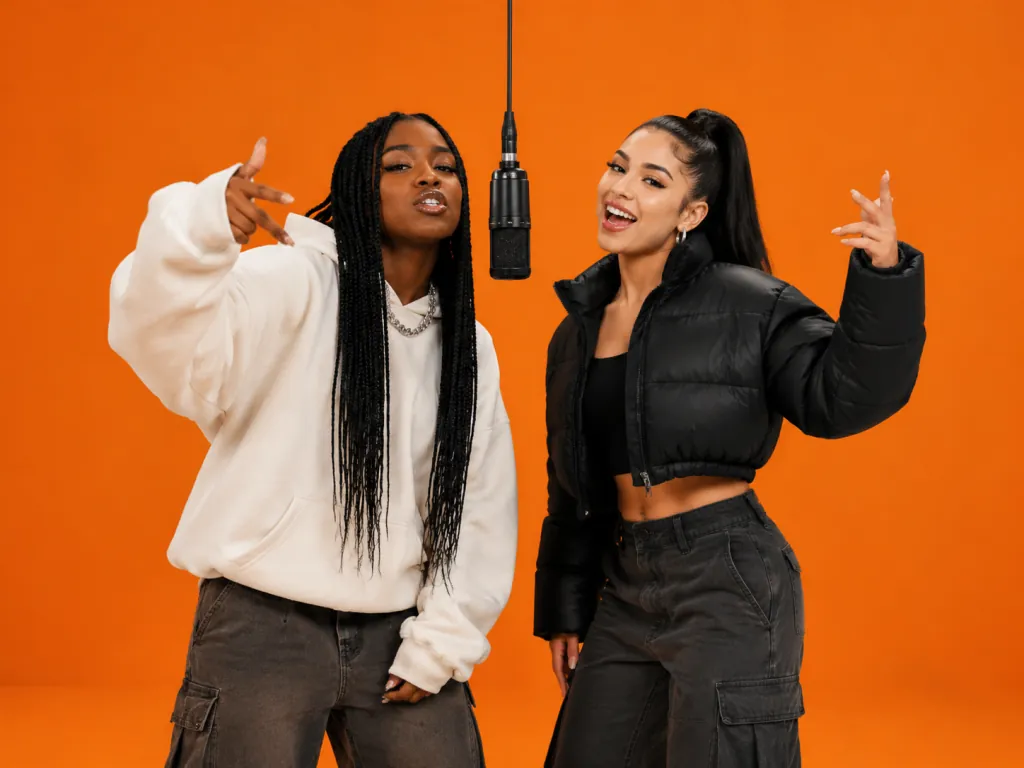
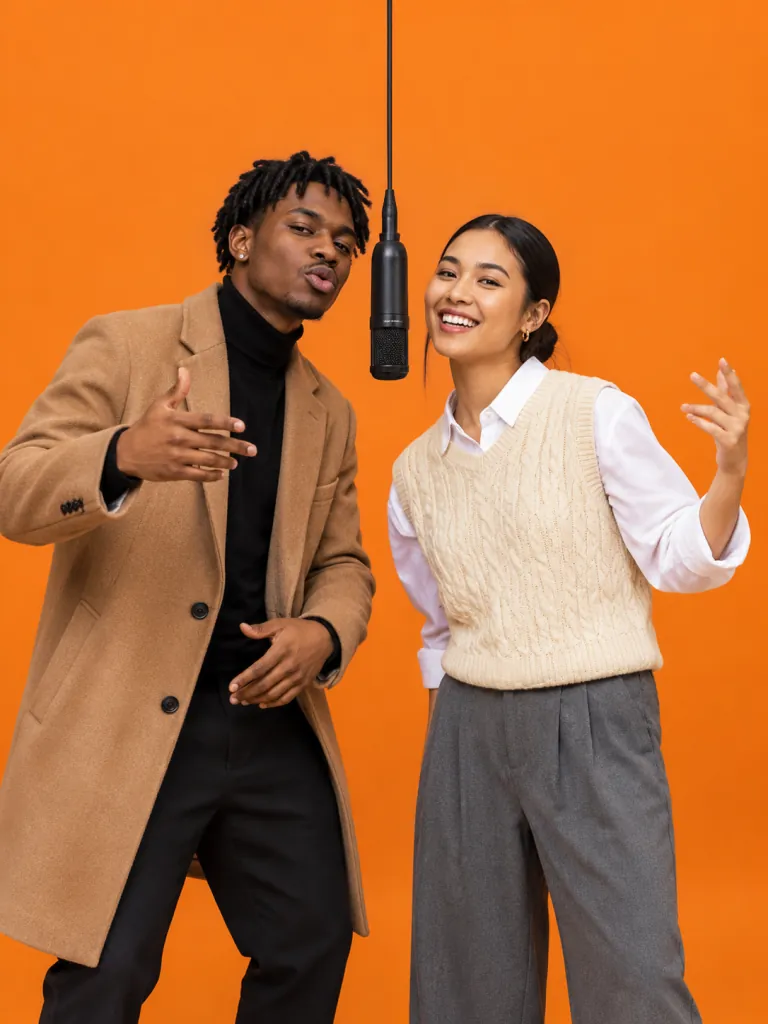
Two friends trading bars as a rap duo in a bright orange booth, one rapping into a black microphone hanging from the ceiling

Step into the Iconic Bright Orange Booth

Watch your Migos AI video come alive with an orange backdrop, matching floor, and one black microphone hanging on a cable between you. The camera moves and cuts smoothly between wide shots of you both and closer shots of each rapper.

Trade Bars with Built-In Voices and Trap Beats

Hear a hard-hitting trap beat play from the first frame to the last while each person gets their own AI rap voice. Our Migos AI video generator syncs your lips to every word as Photo 1 raps the first half and Photo 2 takes the second half.

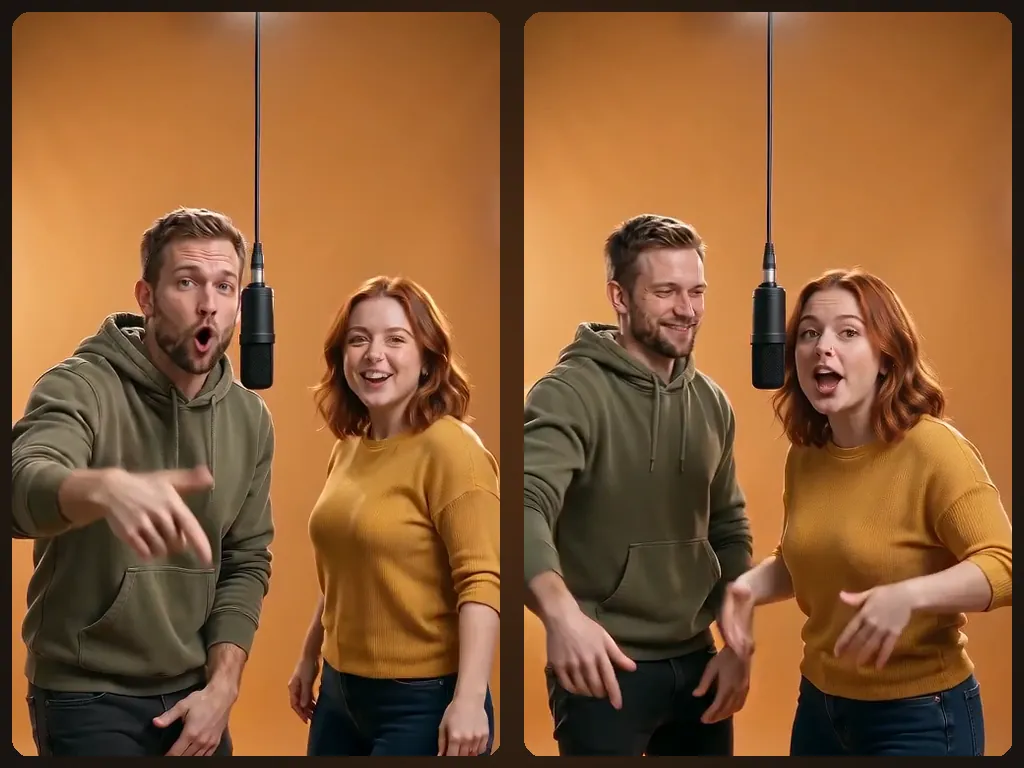
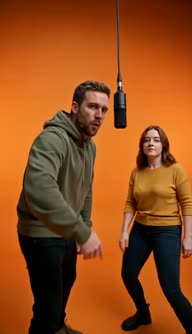
Two frames from one rap duo video: first he raps into the hanging mic, then she takes over the second half
A rap duo cracking up mid-verse in an orange booth, the man pointing at his friend as she delivers a punchline at the hanging mic

Write an Original Verse Around Your Inside Joke

Type one optional line up to 120 characters about an anniversary, inside joke, or birthday to shape the lyrics. AI writes an original, clean, and funny English verse for your Migos AI video, or picks a default topic if you leave it blank.

Keep Your Real Outfits and Hair from Any City

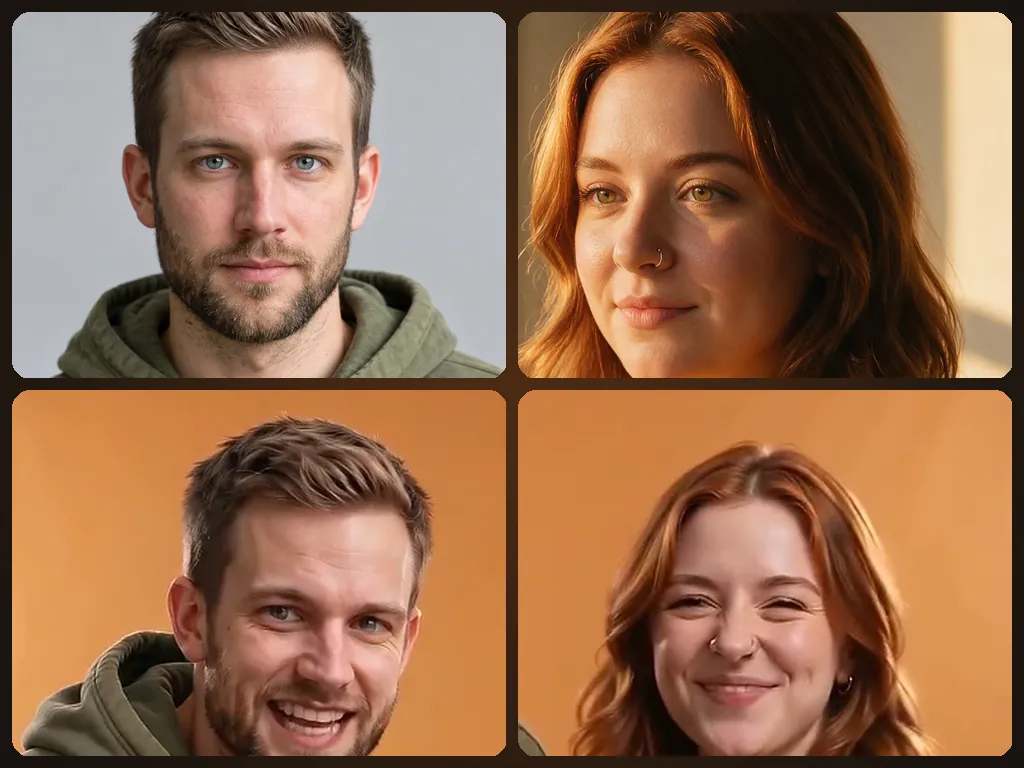
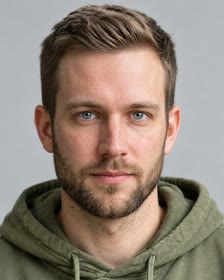
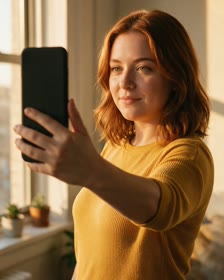
Showcase your real face, hair, skin tone, and outfit from separate photos, so you can rap with friends who live miles away. Photo 1 takes the left side, Photo 2 takes the right side, and the Swap switch changes who raps first.

Each rapper’s photo above the same person in their rap duo video, with the same face, hair and outfit
A young man on a couch smiling at his phone as a rap duo preview plays, two friends rapping in an orange booth on screen

Start with a Free Video, Then Make 10-Credit Full Clips

Sign in with Google to download your free 5-second preview, made with the same AI model as a paid video and ready to play in full. Render a 12-second MP4 with no watermark for 10 credits on our Migos AI video generator, and a video that fails returns its credits automatically.

Who to Put in Your Migos AI Video

Couples

Trade Bars with Your Partner

Upload one photo of each of you and add an anniversary date or inside joke up to 120 characters. Get a 12-second MP4 video of the two of you rapping under the hanging mic to post together or share privately.

A couple trading bars on one hanging microphone in an orange rap duo booth, laughing at each other mid-verse
Two best friends in streetwear trading bars on a hanging mic in an orange booth, one rapping while the other throws ad-libs
Best Friends

Take over the Group Chat

Send in one photo of you and one photo of your best friend, taken anywhere and in different cities. Rapduo turns them into a portrait 9:16 video with lips synced to a hard-hitting trap beat, ready for your TikTok feed.

Teammates & Coaches

Hype up the Whole Squad

Add two photos and one line about your season or big win to create an original trap track. Drop your 12-second video into the team chat before game day to fire everyone up.

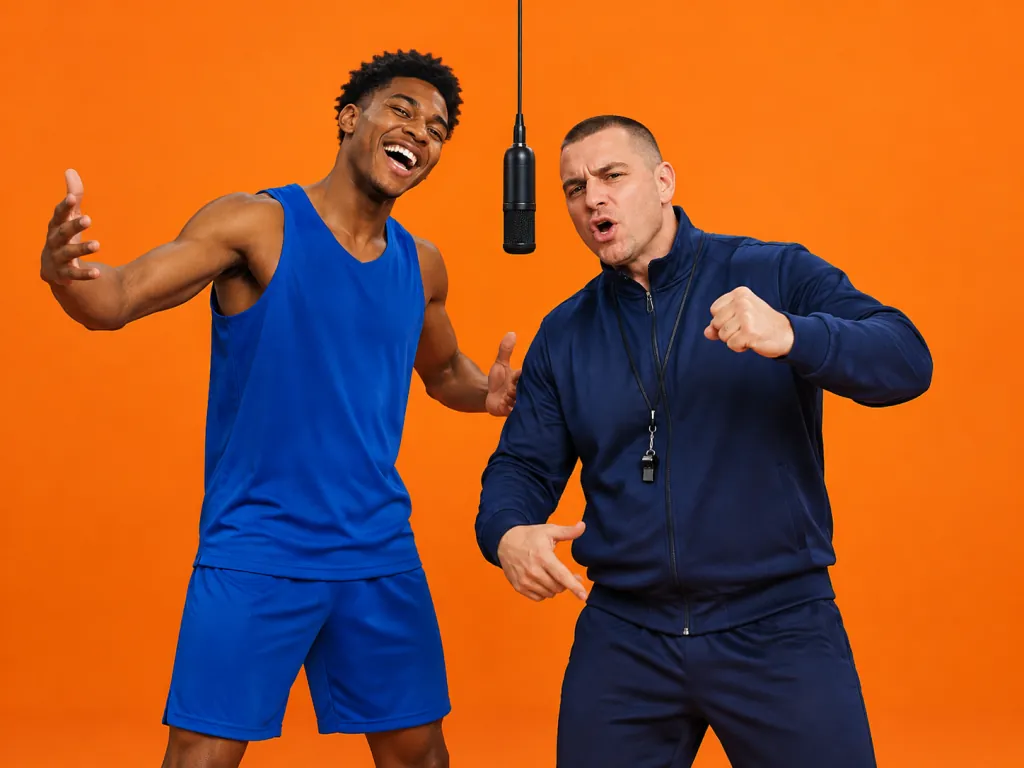
A basketball player and his coach hyping each other up as a rap duo in an orange booth under a hanging mic
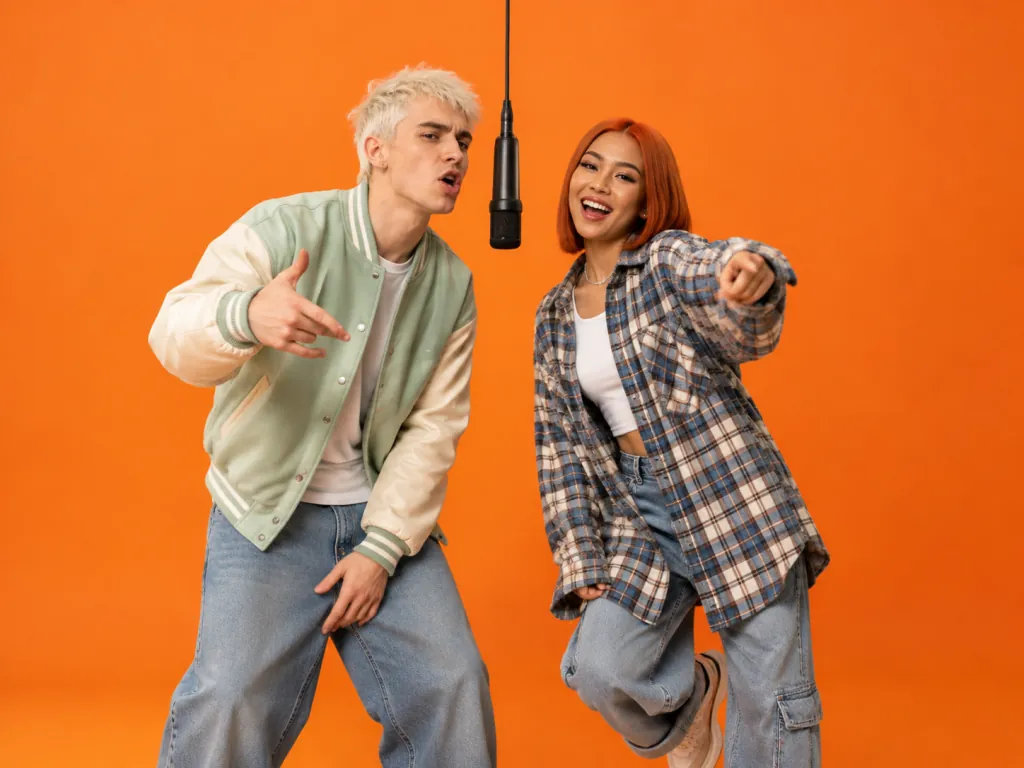
Two content creators in bold fashion performing as a rap duo on a hanging mic in a bright orange booth
Creators & Meme Pages

Post Fresh Trend Content Weekly

Bring a new photo pair each week and explore duo and rap battle prompts for fast video concepts. Make 10 or 22 portrait 9:16 videos every month with a monthly plan and post straight to TikTok, Reels, and Shorts.

How to Make a Migos AI Video and Join the Trend

Step 1

Upload Your Photos

Upload one photo of each person, with the person who raps first in Photo 1 on the left, or upload one photo of you both.

Step 2

Add Your Line

Add one optional line about the two of you, sign in with Google, and press generate.

Step 3

Download Your Video

Watch your Migos AI video in a few minutes and download it, with your free first video running 5 seconds with a watermark and paid videos running the full 12 seconds with no watermark.

Try Our Migos AI Video Generator Free

Sign in with Google to make your first Migos AI video free as a 5-second download with a watermark. Each full 12-second MP4 has sound and no watermark for 10 credits, and any video that fails returns its credits automatically.

Migos AI FAQ

What is the Migos AI trend?

It is an AI video trend that took off on TikTok and X in mid-to-late September 2026. People use AI to put two other people in place of Quavo and Takeoff in their 2022 performance on A COLORS SHOW, with its bright orange backdrop and one mic hanging from the ceiling between them. People also call it the Hotel Lobby AI trend and the rap duo trend. On Rapduo, one photo of each of you makes your own Migos AI video: the two of you in that orange booth, rapping a verse written new for you.

Who is in the original Migos AI video?

Quavo and Takeoff perform in the original video. They are two of the three members of Migos, performing together as Unc & Phew because Quavo is Takeoff's uncle. Offset, the third member, is not in it. A COLORS SHOW released the performance on YouTube on June 17, 2022, and it has over 124 million views as of October 2026. On Rapduo, the two people in the orange booth are you.

What song is in the Migos AI trend?

The trend uses 'HOTEL LOBBY (Unc & Phew)' by Quavo and Takeoff, released in 2022. Its official video has over 163 million views on YouTube as of October 2026, and trend videos use their performance of it on A COLORS SHOW. On Rapduo, your video gets its own brand-new verse and beat, written for the two of you.

Can I use the original 'Hotel Lobby' song in my Migos AI video?

No. Your Migos AI video comes with its own sound: a brand-new verse written for the two of you, a new hard-hitting trap beat from the first frame to the last, a voice for each of you, and lips synced to every word. It does not use 'Hotel Lobby', its lyrics or its beat, or any other released song. If you want a different sound, you can add one yourself in TikTok; that is your choice.

How do I make a Migos AI video?

Upload one photo of each of you, or one photo of you both. Photo 1 stands on the left and raps first. Add one optional line about the two of you up to 120 characters, sign in with Google, and press generate. Usually a few minutes later, watch your video and download it right in your browser. Read our step-by-step guide to the trend to learn more.

Is Migos AI free?

Yes. Sign in with Google on Rapduo and your first Migos AI video is free: 5 seconds, with a 'Free preview · Upgrade to remove' watermark, yours to watch in full and download. It is made with the same AI model as a paid video, and a free video that fails stays free to make again. A full 12-second video with no watermark costs 10 credits, and credit packs start at $9.90 for 50 credits. Check out our guide to every free route and what one video really costs to compare options.

Do I need a subscription to make one Migos AI video?

No. You do not need a subscription to make one video. Our Starter credit pack is a one-time payment of $9.90 for 50 credits, enough for 5 full 12-second videos, and its credits never expire. Our monthly plans run for one prepaid month with no automatic renewal: Creator gives you 100 credits for $14.90 (10 videos), and Pro gives you 220 credits for $29.90 (22 videos).

What app do I need to make a Migos AI video?

None to install. Rapduo runs directly in your web browser. Upload your photos, press generate, and download your finished video with no editing skills needed.

What photos work best for a Migos AI video?

Clear, front-facing photos work best. With two photos, upload one clear, front-facing photo of each person, one person in each photo, with a plain background. With one photo of you both, make sure both faces are clear and facing the camera, with just the two of you in it. Any background works because it becomes the bright orange booth. Use JPG, PNG or WebP files up to 10 MB each, with the shortest side at least 300 px.

Will both of our faces be in the video?

Yes. Photo 1 stands on the left and raps the first half, and Photo 2 stands on the right and raps the second half. Each person's face, hair, skin tone, and outfit come from their own photo. Use the Swap switch before you generate to change who raps first.

How long does it take to make a Migos AI video?

It usually takes a few minutes from the moment you press generate. You use Rapduo in your web browser to watch and download your 5-second free video or your 12-second paid video fast.

What happens to our photos?

They are used only to make your video: never used to train an AI model and never sold. Your videos are shown only to your account, with no public gallery and no share link. Check our Privacy Policy or email [email protected] to have your photos, your videos, or your whole account deleted.

Make Your Migos AI Video for Free Today

Put the two of you in the bright orange booth on Rapduo now and get your first Migos AI video for free.